In the modern world of .NET development, Dependency Injection (DI) is the air we breathe. It is the backbone of ASP.NET Core, enabling the decoupled, testable, and modular codebases we strive for in Clean Architecture. However, there is a dark side to this convenience. When misconfigured, the very system designed to make your application flexible can become a silent performance killer.
If your response times are creeping up, or your server’s memory usage looks like a mountain range, it’s time to look under the hood. You might find that your DI container is doing more work than it should.
1. The Foundation: Understanding Service Lifetimes
Before we diagnose the “slow,” we must understand the “how.” ASP.NET Core provides three primary lifetimes. Most performance issues stem from choosing the wrong one:
-
Transient: Created every time they are requested. They are lightweight but can cause GC (Garbage Collection) pressure if overused.
-
Scoped: Created once per client request (connection). This is the “Goldilocks” zone for things like database contexts.
-
Singleton: Created once and live for the duration of the application. These are the fastest but the most dangerous regarding thread safety and memory leaks.
2. The Silent Killer: Captive Dependencies
The most common DI-related performance bottleneck is the Captive Dependency. This occurs when a service with a longer lifetime holds a service with a shorter lifetime.
The Scenario: Imagine you have a Singleton service (like a cache manager) that accidentally has a Scoped service (like a repository using EF Core) injected into its constructor. Because the Singleton lives forever, it “captures” that Scoped service.
The Result:
-
Memory Leaks: The database context is never disposed of because the Singleton is still holding onto it.
-
Stale Data: Your application might show outdated information because the repository isn’t being refreshed per request.
-
Thread Safety Issues: DB Contexts are not thread-safe. If multiple requests hit that Singleton simultaneously, your app will crash with concurrency exceptions.
Pro Tip: In .NET 8 and .NET 10, the default service provider performs scope validation in the
Developmentenvironment. Always ensure this is enabled to catch these errors before they hit production.
3. Constructor Bloat and “Fat” Dependency Graphs
As we move toward complex enterprise systems and microservices, our classes tend to grow. We’ve all seen it: a constructor with 10, 12, or even 15 injected interfaces.
The Instantiation Tax
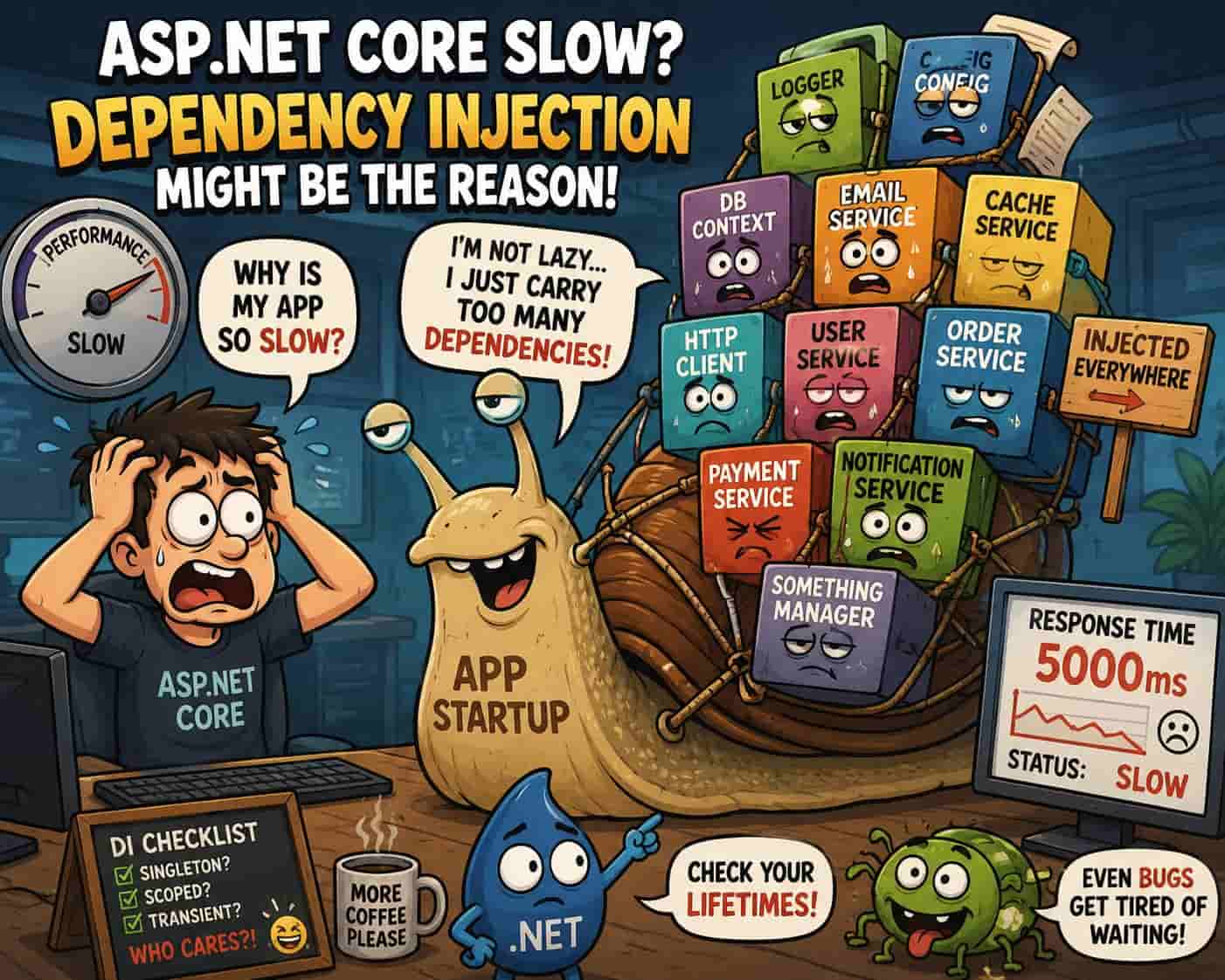
Every time you request a Transient or Scoped service, the DI container has to resolve its entire tree of dependencies. If Service A needs Service B, which needs Service C, and so on, the container performs a recursive lookup.
If your “root” service has 15 dependencies, and each of those has 3, you are effectively asking the CPU to resolve 45+ objects just to handle one request. In high-throughput environments, this Object Allocation overhead adds up, leading to increased latency.
The Solution: Facades or Refactoring
If a class needs too many dependencies, it’s likely violating the Single Responsibility Principle.
-
Refactor: Split the class into smaller, more focused services.
-
Property Injection (Rare): While not standard in the built-in container, sometimes moving optional dependencies to properties can help, though constructor injection remains the gold standard for clarity.
4. The Overhead of Reflection-Based Discovery
By default, the built-in .NET DI container uses reflection to find constructors and satisfy dependencies. While Microsoft has optimized this significantly with IL Generation and caching, the initial “cold start” of an application can be sluggish if you have thousands of registrations.
Many developers use “Assembly Scanning” (e.g., services.Scan(...) via Scrutor) to register every interface automatically. While convenient, scanning large assemblies on startup can add seconds to your container build time.
5. Misusing Scoped Services in Middleware
Middleware is a powerful tool, but it behaves differently than your standard Controller or Blazor component. Middleware is usually a Singleton (constructed once at startup).
If you try to inject a Scoped service (like a UserSession or DbContext) directly into the Middleware constructor, the application will throw an error at startup. The “hack” many developers use is to resolve the service manually via HttpContext.RequestServices.GetService<T>().
While this works, doing this repeatedly inside a per-request loop adds a lookup overhead. If your middleware logic is complex, you’re essentially bypassing the efficiency of the DI container’s pre-compiled activation logic.
6. Transient Explosion and GC Pressure
We often default to Transient because it feels “safe.” No state, no threading issues, just a fresh object every time. However, if you are building a high-performance web app, Transient services are not free.
Every new object created by the DI container must eventually be cleaned up by the Garbage Collector (GC). If you are handling 5,000 requests per second and each request generates 20 Transient objects, that’s 100,000 objects per second hitting the heap.
The GC will eventually have to pause your application threads (Stop-the-World) to clean this up. This results in “micro-stutters” or spikes in tail latency ($P99$ response times).
Performance Strategy:
Compare EF Core (which is feature-rich but object-heavy) with Dapper for high-read scenarios. Dapper’s lower allocation footprint combined with careful Singleton or Scoped usage can significantly reduce the pressure on your DI container and the GC.
7. The Service Locator Anti-Pattern
The “Service Locator” pattern involves injecting IServiceProvider and calling GetRequiredService<T> inside your methods rather than using constructor injection.
// DON'T DO THIS
public void ProcessOrder(int id) {
    var repo = _serviceProvider.GetRequiredService<IOrderRepository>();
    // ...
}
Why it’s slow:
-
Hidden Dependencies: You can’t see what the class needs just by looking at the constructor.
-
Runtime Overhead: You are performing manual dictionary lookups in the container at runtime instead of letting the container optimize the creation graph once.
-
Testing Friction: It makes unit testing a nightmare because you have to mock the entire service provider.
8. Optimized DI with .NET 8/10 Features
If you are moving your applications to .NET 10, you should take advantage of Keyed Services. Before Keyed Services, developers often used factory patterns or resolved a list of all implementations (IEnumerable<IService>) and filtered them at runtime.
Old Way (Slow): Resolve all 10 implementations of an interface, then use LINQ to find the one you want.
New Way (Fast): Use [FromKeyedServices("HighPerformance")] to fetch exactly what you need. This reduces the work the container has to do to satisfy the request.
9. How to Benchmark Your DI Performance
You shouldn’t guess; you should measure.
-
BenchmarkDotNet: Create a small benchmark project to compare different registration lifetimes.
-
dotnet-counters: Monitor “GC Heap Size” and “Allocation Rate.” If these numbers are sky-high, your
Transientregistrations are likely to blame. -
Application Insights Profiler: Look at the “Hot Path” of your request. If a significant portion of time is spent in
Microsoft.Extensions.DependencyInjection, your dependency graph is too deep.
Final Verdict
To ensure your DI isn’t the bottleneck, follow these rules of thumb:
-
Audit Lifetimes: Ensure no Singletons are holding Scoped services.
-
Prefer Scoped over Transient for services used multiple times in a single request to reduce allocations.
-
Flatten your constructors: If you have more than 5-7 dependencies, it’s time to refactor.
-
Avoid Service Locator: Stick to constructor injection.
-
Use Keyed Services: Avoid
IEnumerablefiltering for specific implementations. -
Validate Scopes: Keep scope validation on in development to catch “Captive Dependencies” early.
Dependency Injection is a tool, not a magic wand. By understanding how the container manages memory and object creation, you can ensure your ASP.NET Core application remains snappy, scalable, and easy to maintain. Stop the “New-ing” madness and start architecting for performance!


Andriy Kravets is writer and experience .NET developer and like .NET for regular development. He likes to build cross-platform libraries/software with .NET.