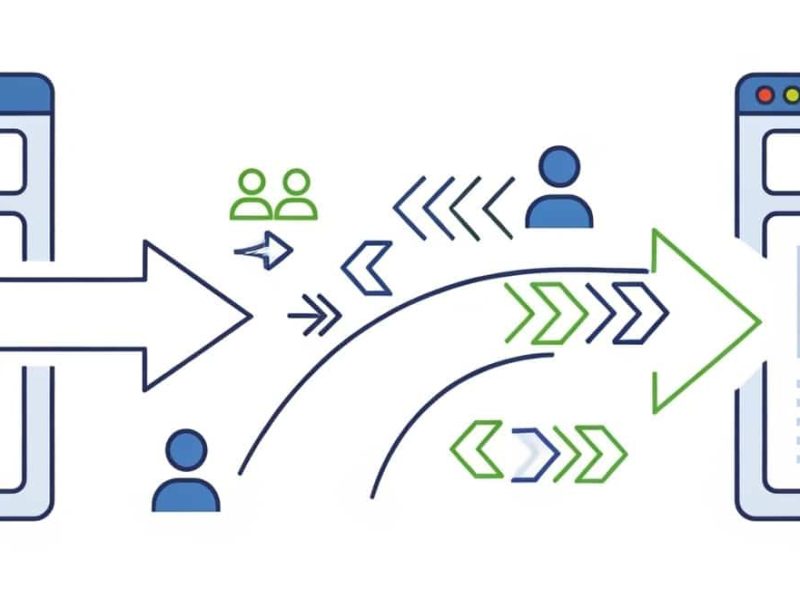
Domain hijacking—where a malicious actor gains unauthorized control over your domain name—is a nightmare scenario that can destroy your SEO, disrupt your email, and severely damage customer trust. While domains should always be secured, the risk often peaks during a domain transfer between registrars.
When a domain is “unlocked” to move to a new host or registrar, it becomes temporarily vulnerable. Here is a comprehensive guide on how to protect your digital assets and prevent domain hijacking during a transfer.
Understanding the Vulnerability During a Transfer
To initiate a domain transfer, you must complete two critical actions: unlock the domain at your current registrar and request an Extensible Provisioning Protocol (EPP) authorization code.
If hackers intercept this code, compromise your registrar account, or trick you via a phishing email during this window, they can reroute the transfer to a registrar they control. Once the domain is moved to an attacker’s account, recovering it can take weeks of legal and administrative battles.
7 Essential Steps to Prevent Domain Hijacking
1. Enable Two-Factor Authentication (2FA) Everywhere
Before you even think about unlocking your domain, ensure 2FA is active on your current registrar account, your new registrar account, and the email address tied to the domain administrator. This ensures that even if a hacker acquires your password through a data breach or phishing attempt, they cannot access your account to initiate or approve a rogue transfer.
2. Guard Your EPP Authorization Code
The EPP code (also known as an Auth-Code or transfer code) acts as the master password for your domain transfer.
-
Never request it prematurely: Only generate the code when you are actively initiating the transfer with the new registrar.
-
Do not share it insecurely: Avoid sending it over unencrypted channels or leaving it sitting in your inbox. Treat it with the same operational security as a bank PIN.
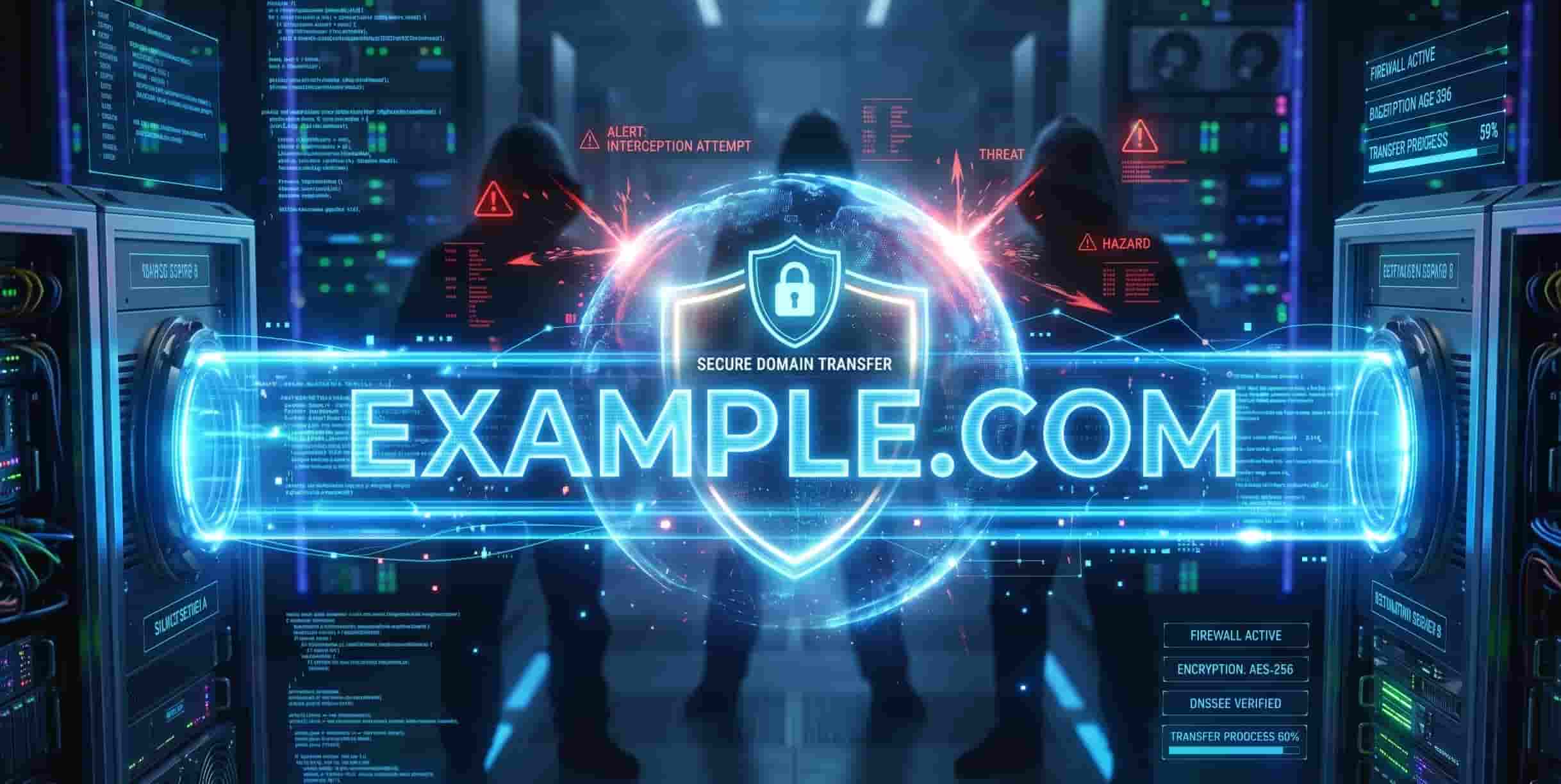
3. Keep WHOIS Privacy On Until the Last Minute
WHOIS privacy masks your personal contact information from public databases. Hackers heavily monitor public WHOIS data to launch targeted spear-phishing campaigns. They may impersonate your new registrar and send a fake email asking you to “verify” your EPP code. Keep WHOIS privacy enabled until your new registrar explicitly requires you to disable it for the transfer protocol.
4. Use an Independent Administrator Email
Never use an email address associated with the domain you are transferring as your primary registrar contact email. If yourbusiness.com is hijacked or experiences DNS downtime during the transfer, [email protected] will go down with it. This completely locks you out of the password recovery and dispute process. Always use an independent, highly secure email address (like a dedicated Gmail or Microsoft account) for registrar communications.
5. Implement DNSSEC
Domain Name System Security Extensions (DNSSEC) add cryptographic signatures to your DNS records.
While DNSSEC doesn’t stop an attacker from logging into your registrar, it prevents attackers from spoofing your DNS or silently redirecting your traffic to malicious servers during the transition period. Check if both your old and new registrars support DNSSEC.
6. Utilize Registry Lock for High-Value Domains
Most users are familiar with a standard “Registrar Lock” (which must be disabled to transfer a domain). However, if you run a highly sensitive enterprise or e-commerce site, ask about a Registry Lock. This is a premium, higher-level security feature that requires manual, offline verification (such as a phone call with a passphrase) directly with the top-level registry (like Verisign for .com) before any transfer or DNS change can occur.
7. Choose a Reputable, ICANN-Accredited Registrar
Ensure your new web hosting provider or registrar follows strict security compliance. Reputable registrars require strict email verification for IP address changes, mandate strong passwords, and provide detailed logging features so you can monitor account activity during the migration.
What to Do If Your Domain is Hijacked
If the worst happens and your domain is stolen during the transfer window, do not panic, but act immediately:
-
Contact Your Registrar: Call your current registrar’s fraud or abuse department immediately. Time is critical, as they can sometimes halt a pending transfer.
-
Gather Evidence: Collect your billing history, previous WHOIS records, and original registration receipts to prove ownership.
-
Escalate to ICANN: If your registrar is unresponsive or the domain has already moved, file a formal “Unauthorized Transfer” complaint with the Internet Corporation for Assigned Names and Numbers (ICANN).


Javier is Content Specialist and also .NET developer. He writes helpful guides and articles, assist with other marketing and .NET community work