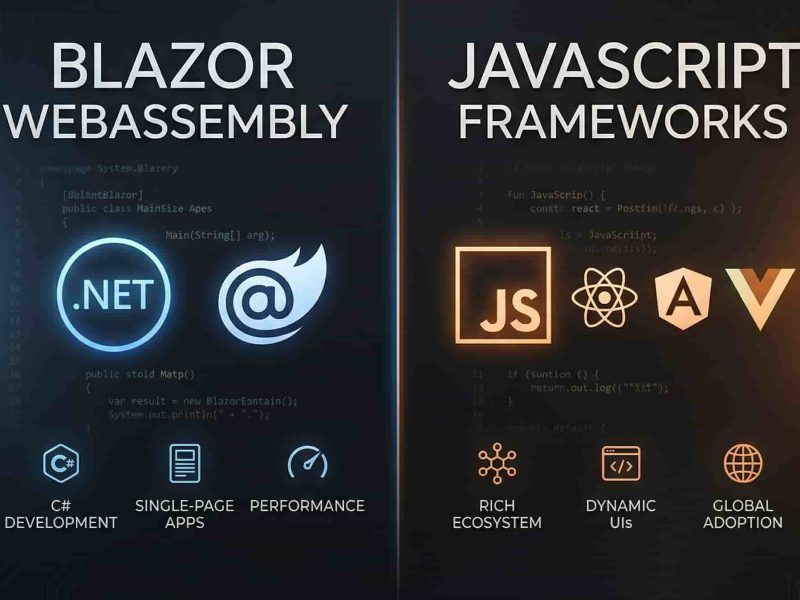
The evolution of web development has seen a pendulum swing between server-side rendering (SSR) and client-side rendering (CSR). With the introduction of Blazor Server, Microsoft introduced a hybrid paradigm that promised the “best of both worlds.” It allows developers to build rich, interactive user interfaces using C# and .NET, while keeping the application logic firmly on the server.
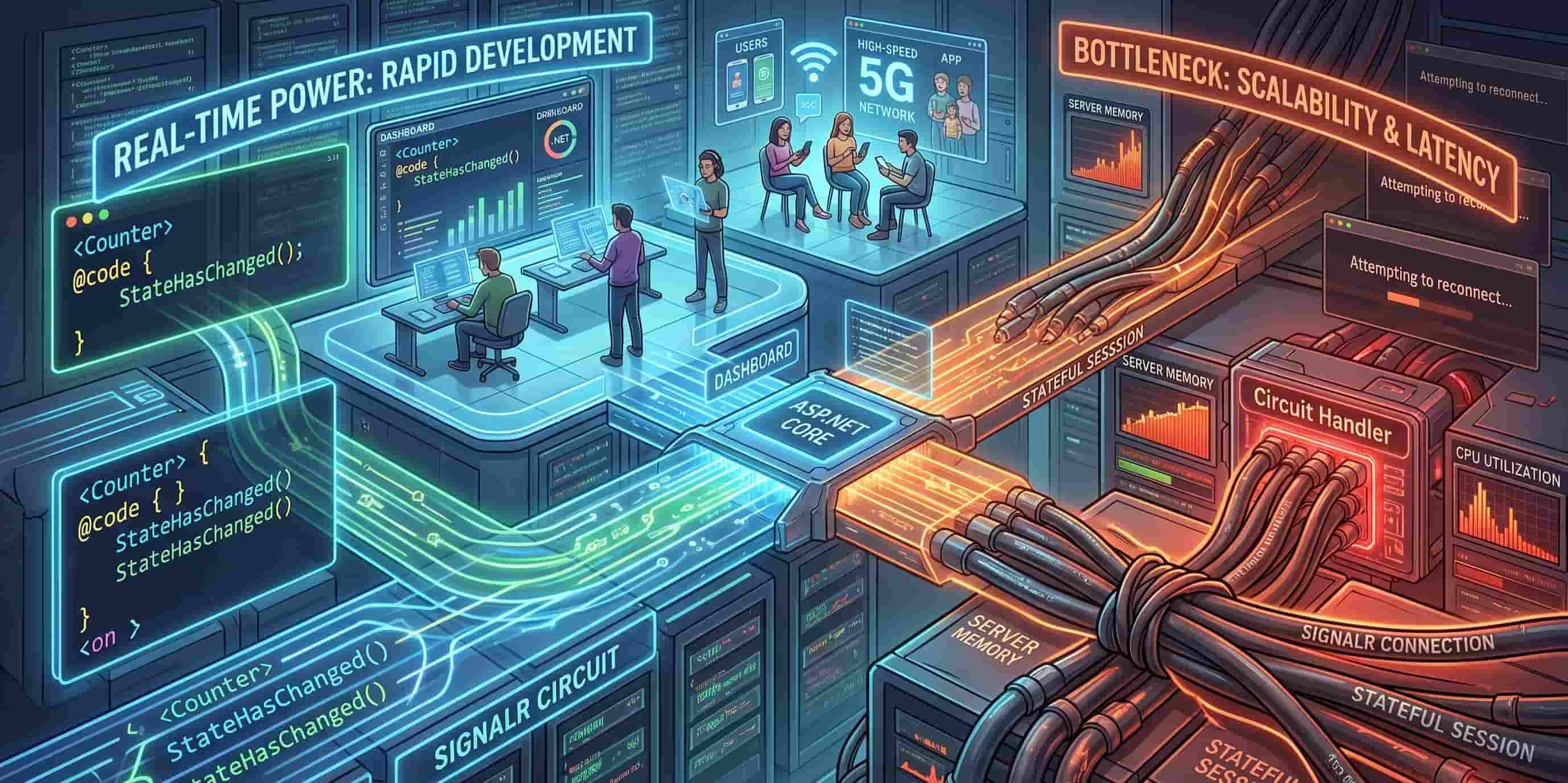
At the core of this magic lies SignalR, a library that facilitates real-time web functionality. However, as developers scale their applications, a critical debate has emerged: Is the heavy reliance on a persistent SignalR connection a revolutionary “power” for productivity, or is it a structural “bottleneck” for scalability?
1. Understanding the SignalR Backbone in Blazor Server
To evaluate whether SignalR is a power or a bottleneck, we must first understand how it functions within the Blazor lifecycle. Unlike traditional frameworks that send a full HTML page or use REST APIs to fetch data, Blazor Server operates via a persistent connection.
The Concept of the “Circuit”
When a user navigates to a Blazor Server application, the browser downloads a small JavaScript file (blazor.server.js). This file establishes a SignalR Circuit—a long-lived WebSocket connection between the client and the server.
-
Event Handling: When you click a button, that event is sent over the SignalR circuit to the server.
-
The Diffing Engine: The server executes your C# code, calculates the changes needed in the UI (the “diff”), and sends a tiny binary packet back to the browser.
-
DOM Update: The client-side JavaScript receives this packet and updates only the specific parts of the page that changed.
2. The Real-Time Power: Why Developers Love Blazor Server
For many development teams, the “Power” of the SignalR dependency is undeniable. It streamlines the development process in ways that traditional JavaScript frameworks cannot match.
A Unified Codebase (The End of “Context Switching”)
One of the biggest productivity killers in web development is switching between C# for the backend and JavaScript/TypeScript for the frontend. With Blazor Server, the boundary disappears. You can call a database service directly from your UI component. There are no DTOs to maintain, no Web API controllers to scaffold, and no JSON serialization headaches.
Immediate Real-Time Updates
Because the connection is already open, pushing data from the server to the client is trivial. If a background worker updates a record in the database, the server can immediately trigger a UI update for all connected users. This makes it a “power” choice for:
-
Financial Dashboards: Live stock or crypto price updates.
-
Collaboration Tools: Real-time document editing or chat systems.
-
Industrial Monitoring: Live sensor data from manufacturing floors.
Enhanced Security and Smaller Payloads
Since the application logic never leaves the server, your proprietary algorithms and sensitive connection strings are never exposed to the client’s browser. Furthermore, the initial load time is incredibly fast because the browser isn’t downloading a massive bundle.js or the entire .NET runtime (as is the case with Blazor WebAssembly).
3. The Bottleneck: The Hidden Costs of Persistence
While the “Power” is high, the “Bottleneck” arises from the very thing that makes Blazor Server work: the stateful nature of the connection.
Memory Overhead (The State Tax)
In a standard ASP.NET Core API, the server is “stateless.” It processes a request and immediately forgets the user. In Blazor Server, the server must keep the entire UI state (the “Circuit”) for every active user in memory.
-
If your application has 5,000 concurrent users and each circuit consumes 250KB of RAM, you are using 1.25GB of memory just to maintain the connection state. For high-traffic applications, this can lead to massive vertical scaling costs.
Latency Sensitivity (The “Mushy” UI)
Since every interaction—even toggling a checkbox—requires a round-trip to the server via SignalR, the user experience is tethered to network latency.
-
The Bottleneck: If a user is on a high-latency mobile connection (e.g., 200ms ping), the UI will feel sluggish. There is a perceptible delay between a click and a visual change, which can frustrate users accustomed to the instant feedback of local JavaScript.
Scaling Horizontally
Standard load balancing becomes complex with SignalR. Since the user’s state lives on a specific server, you must implement Sticky Sessions (Session Affinity). If Server A goes down, all users connected to it lose their state, and their “Circuit” is broken.
4. SignalR vs. Blazor WebAssembly: A Comparative Analysis
To decide if SignalR is your bottleneck, you have to look at the alternative: Blazor WebAssembly (WASM).
| Feature | Blazor Server (SignalR) | Blazor WebAssembly (WASM) |
| Connection | Persistent (Stateful) | Disconnected (Stateless) |
| Server Load | High (CPU/RAM per user) | Low (Static file hosting) |
| Offline Capability | None | Full PWA support |
| Initial Load | Very Fast | Slow (Runtime download) |
| UI Responsiveness | Dependent on Latency | Near-Instant |
SEO Insight: Blazor Server is inherently better for SEO because it supports Static Server-Side Rendering (SSR) out of the box. Search engine crawlers receive fully rendered HTML on the first request, whereas WASM often requires more complex configuration to ensure crawlability.
5. Mitigating the Bottleneck: Modern Solutions
If you decide the “Power” of SignalR is worth the “Bottleneck,” there are ways to optimize the experience:
1. Circuit Handler Optimization
Developers can write custom CircuitHandler logic to monitor the health of connections. By aggressively cleaning up resources when a user disconnects or moves to a different tab, you can significantly reduce the memory “State Tax.”
2. The .NET 8/9 “Render Mode” Revolution
The most significant solution to the SignalR bottleneck is the Blazor Web App template introduced in .NET 8. You are no longer forced to choose “all or nothing.”
-
You can use Static SSR for your landing pages (no SignalR needed).
-
You can use Blazor Server for complex forms where you want C# logic.
-
You can use Blazor WebAssembly for highly interactive components like a drawing tool or a map.
6. Conclusion: Is it a Power or a Bottleneck?
The answer is: It is a Power for the Developer, but a potential Bottleneck for the Infrastructure.
For Internal Enterprise Applications, Blazor Server’s SignalR dependency is an absolute Power. The ability to build secure, real-time tools with a small team in record time far outweighs the cost of a few extra gigabytes of RAM.
For Mass-Market Consumer Apps, SignalR can become a Bottleneck. The latency issues for global users and the scaling costs for millions of concurrent connections make a stateless architecture (like React or Blazor WASM) a more sustainable choice.
Final Verdict
The “Power” of SignalR in Blazor Server is most effective when your user base is predictable and your network environment is stable. By leveraging modern features like Interactive Auto Render Modes, you can harness the real-time capabilities of .NET without letting the bottleneck restrict your application’s growth.
SEO Checklist for Blazor Developers
-
Use Prerendering: Ensure your
_Host.cshtmlorApp.razoris set up to prerender components so search engines see content before SignalR kicks in. -
Optimize Images: Since SignalR is sending UI diffs, don’t let massive unoptimized images slow down the initial load.
-
Monitor Core Web Vitals: Specifically watch First Input Delay (FID). If SignalR is busy, your FID will spike, hurting your Google ranking.


Yury Sobolev is Full Stack Software Developer by passion and profession working on Microsoft ASP.NET Core. Also he has hands-on experience on working with Angular, Backbone, React, ASP.NET Core Web API, Restful Web Services, WCF, SQL Server.